Mark & Share
A cross-platform image annotation tool with dimension lines, professional callouts and a magnifier. Works on web, Android and HarmonyOS - export one image and send it straight to your client.

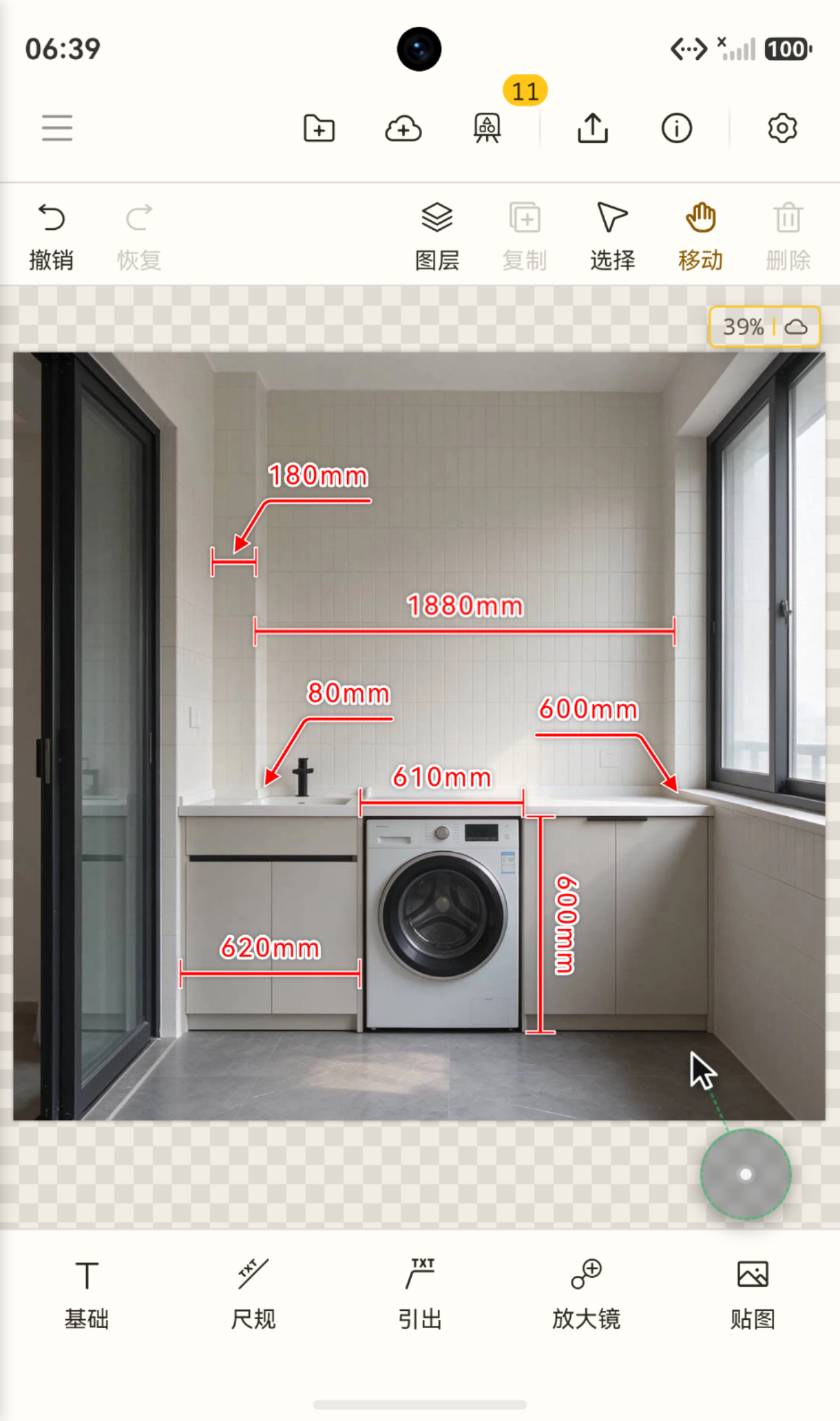
Size, callout, circle
The size you measured, the note you want to leave, the spot to fix - all written on the image. The common ones sit right at hand.
- Dimension:Auto straighten · type your own value · adjustable ends
- Callout:Point · area · multi callout
- And more:Step · area · angle · freehand · mosaic · crop · gradient
Your canvases
A stack of canvases is fine - sort it, remember it, and one search brings it back.
- File by project:Cloud folders, nested as deep as you like; click the path bar to go back up
- Rename and note:Rename from the menu, add a note, then Move it into the right folder
- Search name or note:Cloud and local together; hits show where they live, thumbnails help you pick
Local and cloud
Close it or switch away mid-annotation - your changes are kept, and you pick up where you left off.
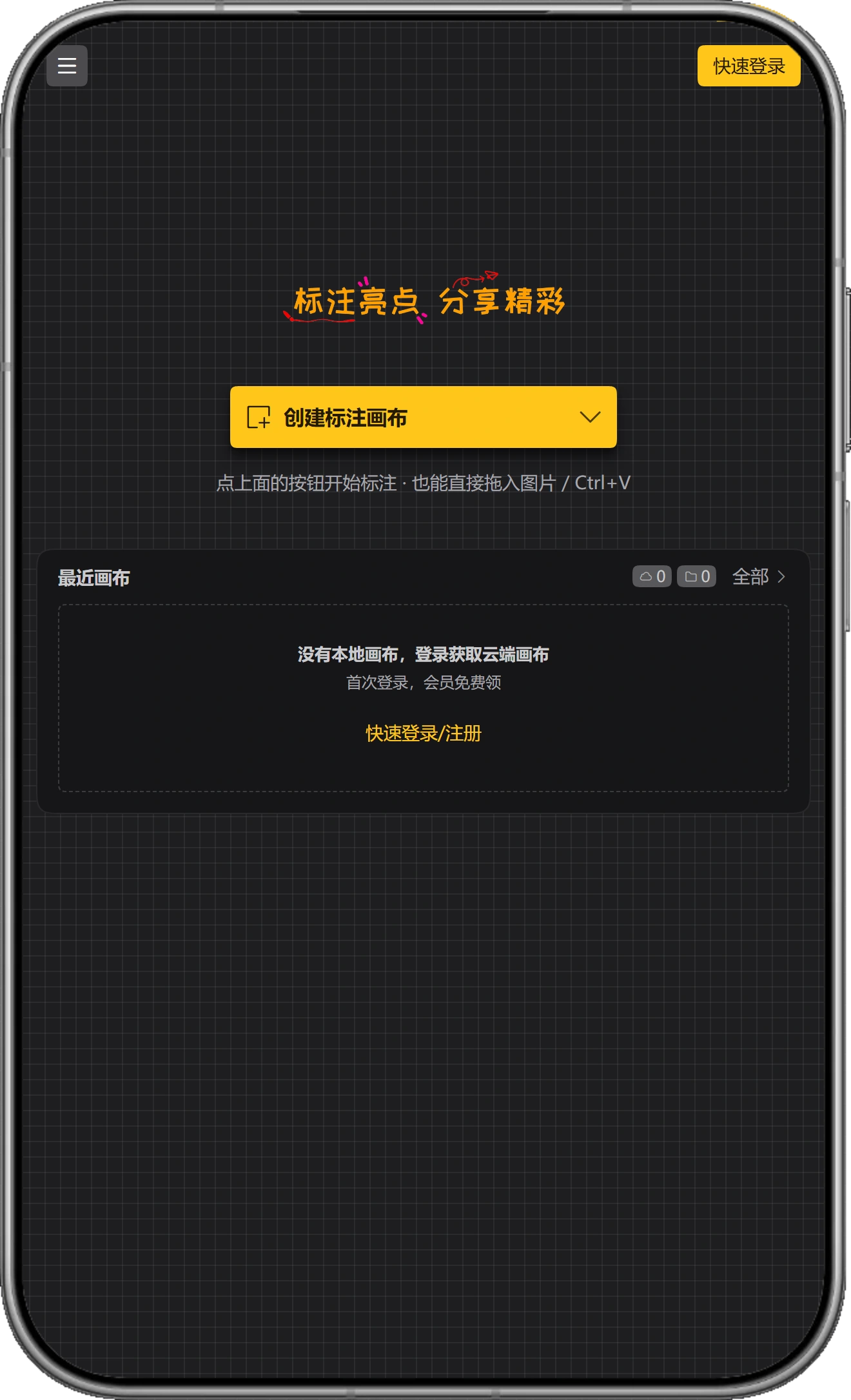
- Draw without an account:Create, annotate and export signed out; sign in only to sync
- Saves as you work:Saved while you draw, and once more before the page closes; reopen and it is all there
- Sign in to continue:Stored under your account; open it on another device and keep going
Fits every screen
Phone, tablet or desktop - the layout follows the width instead of squeezing the desktop version in.
- Three layouts:Narrow, medium and wide, each with its controls laid out for that width
- Touch and pinch:One finger draws and pans, two fingers zoom; narrow menus fold into More, the pen bar scrolls
- Room for details:A writing bar for pen input, a virtual pointer for precise taps, safe areas kept clear of notches
Works everywhere
Same canvas and same habits, no relearning when you switch devices.
 Live
 Live
 Live
 Planned
FAQ
Do I need an account?
No. Open the page and create, annotate and export right away; sign in only when you want canvases synced across devices.
Are exports watermarked?
Exports with a long edge up to 1280px carry no watermark, with no limit on count; above that requires membership.
Can I record real sizes?
It records, it does not measure: draw a dimension line, type the millimetres you measured, and horizontals and verticals straighten themselves.
Are images uploaded?
The web version processes images locally; they are only synced when you save to the cloud. Local canvases stay in your browser.
Does it work on phones?
Yes. Apps for Android 10+ and HarmonyOS work the same as the web version.